
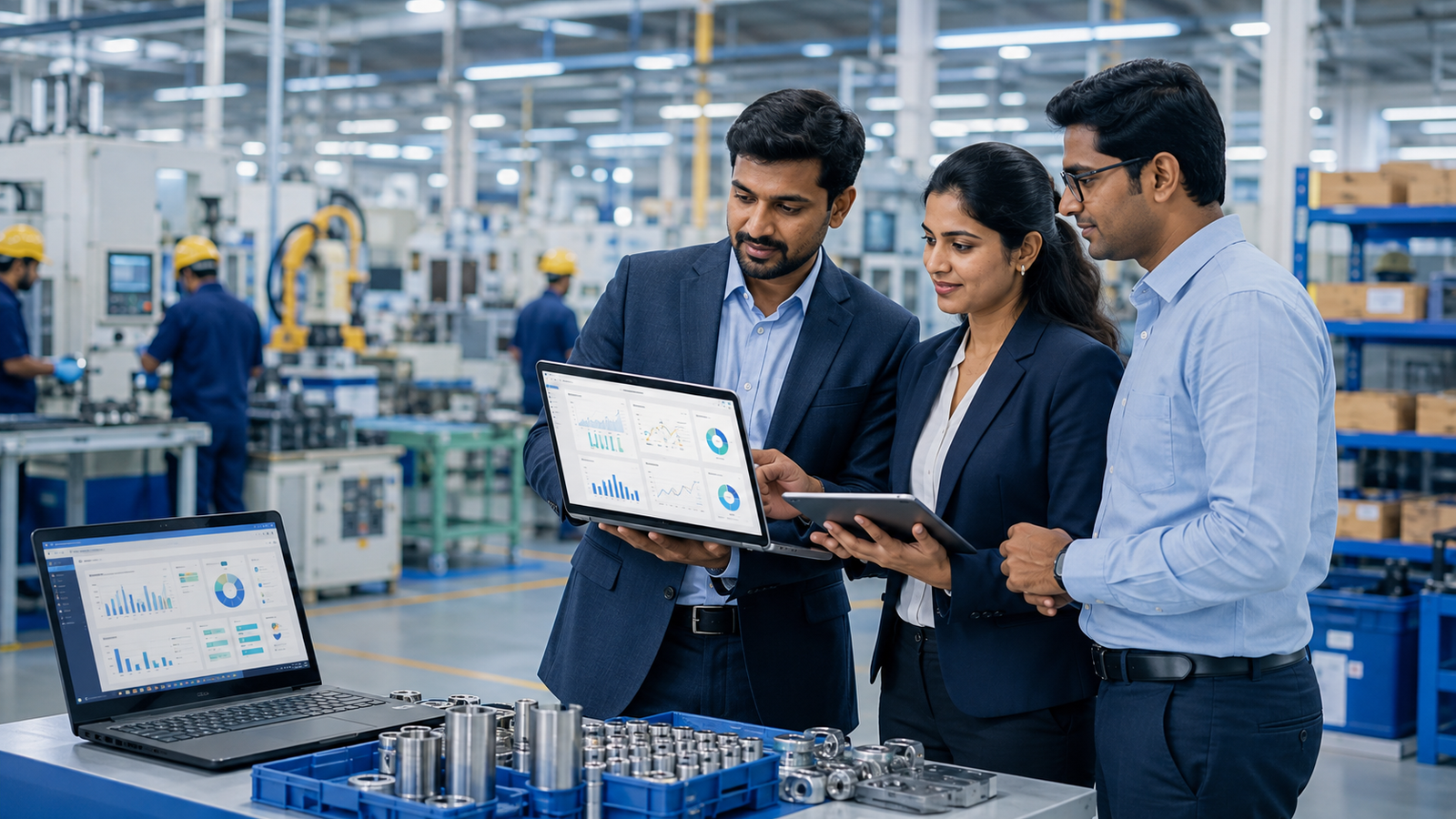
How to Choose the Right ERP Software for a Manufacturing Business
Introduction
Choosing the right ERP software for manufacturing is an important decision for any manufacturing business. As production processes become more complex, managing inventory, purchasing, production, sales, finance and employees through disconnected systems can lead to delays, errors and unnecessary costs.
A manufacturing ERP system brings these functions together on one platform, giving businesses better visibility and control over their operations. But not every ERP solution is suitable for every manufacturer. The right choice depends on your business size, production model, industry requirements, existing processes and future growth plans.
Before investing in an ERP system, it is important to understand what your business actually needs and evaluate potential solutions against those requirements.
1. Understand Your Manufacturing Requirements
Start by identifying the operational problems you want the ERP system to solve.
For example, your business may be struggling with:
- Inventory tracking
- Production planning
- Purchase management
- Order processing
- Quality control
- Supply chain coordination
- Financial reporting
- Manual data entry
- Lack of real-time information
Create a list of your current processes and identify where delays, duplication or errors occur. This gives you a clear set of requirements to use when comparing ERP solutions.
2. Look for Manufacturing-Specific Features
A general business ERP may not provide the depth of functionality required by a manufacturing company.
When evaluating ERP software for manufacturing, look for features such as:
- Production planning and scheduling
- Bill of Materials (BOM)
- Material Requirements Planning (MRP)
- Work orders
- Inventory management
- Purchase management
- Quality management
- Warehouse management
- Sales and order management
- Cost tracking
- Maintenance management
- Production reporting
The system should support your actual manufacturing workflow rather than forcing your business to completely change its processes.
3. Check Whether It Supports Your Production Model
Manufacturers operate in different ways. Some use make-to-stock production, while others work on make-to-order, batch production, job-based manufacturing or a combination of several models.
Before selecting an ERP system, make sure it can handle your specific production environment.
For example, a company producing standard products in large quantities may have different requirements from an OEM manufacturer producing customised products based on individual customer orders.
4. Evaluate Inventory and Supply Chain Management
Inventory is one of the most important areas for a manufacturing business.
The right ERP should help you monitor raw materials, work-in-progress and finished goods across locations. It should also provide better visibility into stock levels, purchase requirements and material movement.
Look for capabilities such as:
- Real-time inventory visibility
- Multi-location stock management
- Purchase planning
- Stock alerts
- Batch and lot tracking
- Material consumption tracking
- Supplier management
Better inventory control can help reduce excess stock while also lowering the risk of production interruptions caused by material shortages.
5. Make Sure the ERP Integrates Different Departments
One of the biggest advantages of ERP is connecting different business functions.
For example, when a sales order is created, the relevant information may need to flow into production planning, inventory, purchasing and finance.
Instead of employees entering the same information into multiple systems, an integrated ERP platform creates a common source of business data.
This can improve communication between departments and reduce errors caused by manual data transfer.
6. Consider Customisation and Integration
Every manufacturing company has its own processes. Some may require industry-specific workflows, customised reports or integration with existing applications and equipment.
Before choosing an ERP, find out:
- What can be configured without custom development?
- What features require customisation?
- Can the ERP integrate with existing software?
- Can it connect with accounting systems, CRM platforms or e-commerce systems?
- Can additional modules be added later?
The goal should be to choose a system that is flexible without becoming unnecessarily complicated or expensive to maintain.
7. Assess Reporting and Business Analytics
Manufacturing managers need accurate information to make decisions.
A good ERP should provide dashboards and reports that help you understand production performance, inventory levels, sales, purchasing, costs and profitability.
Useful manufacturing reports may include:
- Production performance
- Inventory turnover
- Material consumption
- Purchase analysis
- Order status
- Production costs
- Sales performance
- Profitability
Real-time reporting can help management identify problems earlier instead of waiting for information to be collected manually.
8. Think About Scalability
Your ERP should support your business not only today but also as it grows.
If you plan to add new products, warehouses, production facilities, users or business locations, check whether the ERP can accommodate those changes.
A scalable ERP software for manufacturing can help businesses avoid replacing their entire system every time their operations expand.
9. Evaluate Implementation and Support
Selecting the software is only one part of an ERP project. Implementation plays an equally important role.
Ask the ERP provider about:
- Implementation methodology
- Data migration
- Employee training
- System configuration
- Testing
- Go-live support
- Post-implementation support
- Software upgrades
A technically capable ERP can still fail if employees are not properly trained or the implementation is poorly managed.
Working with an experienced ERP implementation partner can make the transition smoother and help employees adopt the new system more effectively.
10. Compare Total Cost, Not Just Software Price
ERP costs can include much more than the initial software licence or subscription.
Consider the total cost of ownership, including:
- Software or subscription fees
- Implementation
- Customisation
- Data migration
- Training
- Integrations
- Maintenance
- Support
- Future upgrades
The cheapest ERP is not necessarily the most cost-effective option. Instead, consider whether the system can deliver measurable improvements in productivity, inventory management, operational visibility and decision-making.
Conclusion
Choosing the right ERP software for manufacturing requires more than comparing features and prices. The best solution should fit your production processes, connect different departments, provide accurate business information and remain flexible as your company grows.
Before making a decision, clearly define your requirements, evaluate manufacturing-specific capabilities, assess integration options and understand the complete implementation cost. Most importantly, choose an ERP partner that understands manufacturing operations and can provide reliable support beyond the initial implementation.
A well-planned ERP investment can help manufacturers move away from disconnected processes and gain greater control over production, inventory, finance and overall business performance.
FAQs
1. What is ERP software for manufacturing?
ERP software for manufacturing is a business management system designed to connect manufacturing operations such as production planning, inventory, purchasing, sales, finance and supply chain management on a single platform.
2. What features should manufacturing ERP software have?
Important features include production planning, MRP, BOM management, inventory management, purchasing, warehouse management, quality control, order management, financial management and reporting.
3. How does ERP help a manufacturing business?
A manufacturing ERP system can improve visibility across operations, reduce manual data entry, coordinate departments, improve inventory control and provide real-time information for better decision-making.
4. Can ERP software be customised for a manufacturing company?
Yes. Many ERP systems can be configured or customised to accommodate specific production workflows, reporting requirements, integrations and industry processes. The level of customisation depends on the ERP platform and implementation partner.
5. How do I choose the best ERP software for my manufacturing business?
Start by identifying your business requirements and operational challenges. Then compare manufacturing features, scalability, integration capabilities, customisation, implementation support, security and total cost of ownership before selecting an ERP solution.
